 Maintivo

Parts and materials used on the job, straight onto the invoice
Add the parts and materials you used on the report: what, how many and the price. The customer’s report shows what was fitted, and when you invoice the report, every part comes across as an invoice line with its price.


iPhone: No card. No account. First report free to fill in.In your browser: Free account, no card. First report free to fill in.
Parts and materials
Anything fitted or used on this job.
Price each £142.00
Price each £18.50
Price each (optional)
- Add parts and materials on the report: what, how many and a price each.
- The price is optional. It goes on the invoice, never on the customer’s report.
- The report PDF lists what was fitted, with quantities.
- Invoice this report brings every part across as an invoice line, with its price.
- Nothing typed twice, and nothing fitted goes unbilled.
How do parts get from the job to the invoice?
Add them on site
On the report, add each part or material: what it is, how many, and a price each if you know it.
The report shows what was fitted
The customer’s PDF lists the parts and quantities, so they see what went in. No prices.
Invoice the report
Press Invoice this report. Each part becomes an invoice line with its quantity and price. Check it and send.
From the report to the invoice, on the phone
Real screens from the iPhone app. Sample company and prices.
- 1
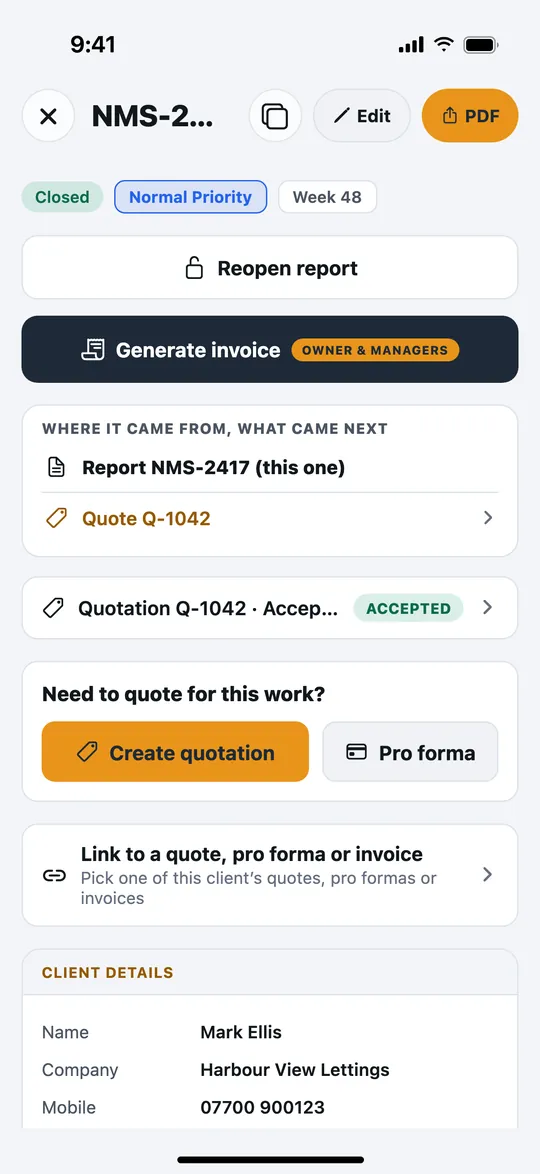
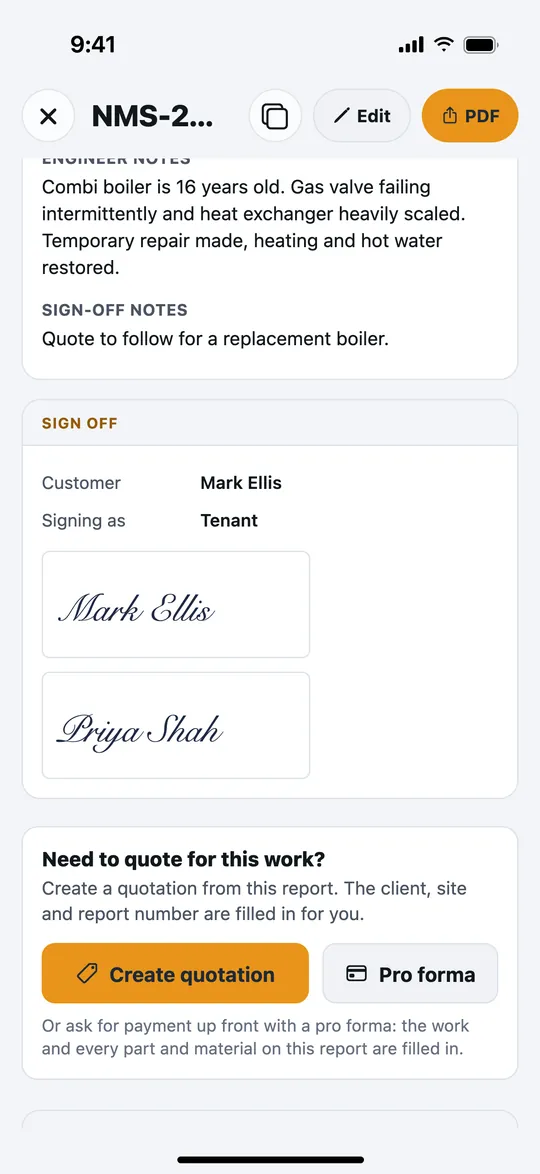
The report from the job
Generate invoice turns it into an invoice.
- 2
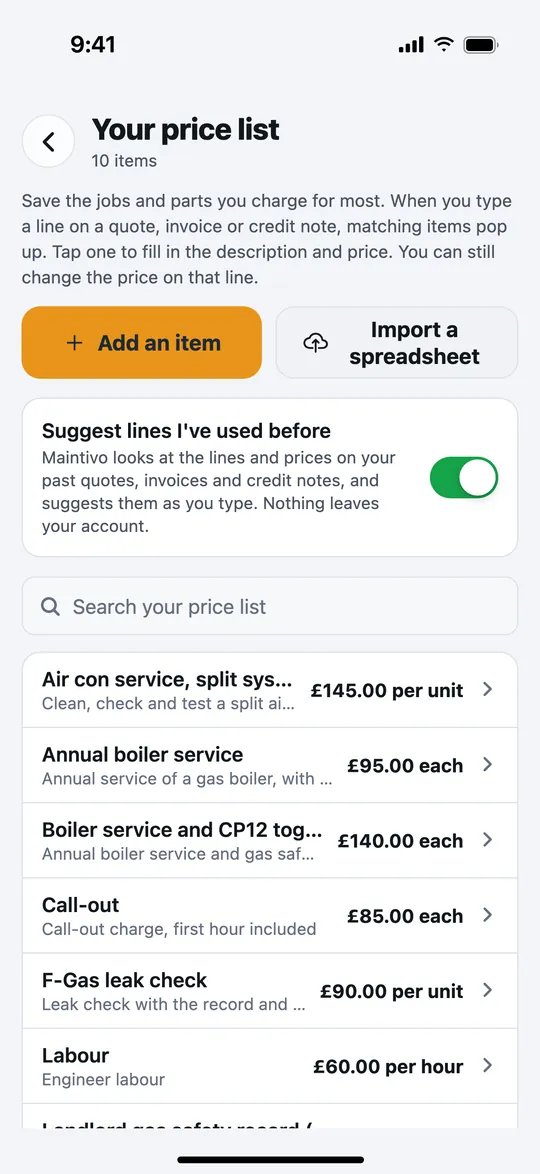
Your price list
Your usual jobs and parts with their prices, ready to pick on a line.
- 3
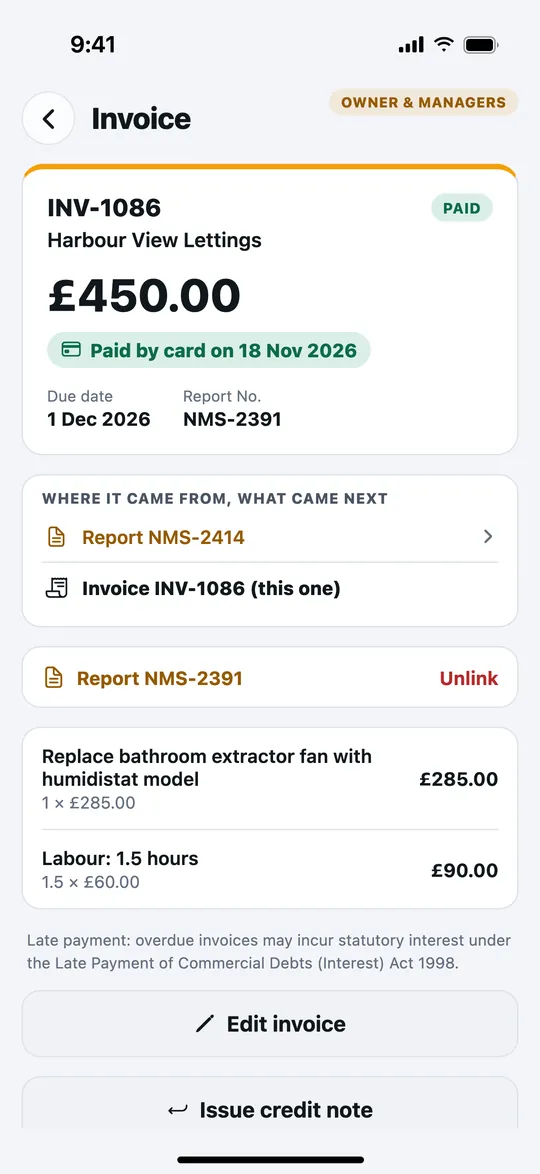
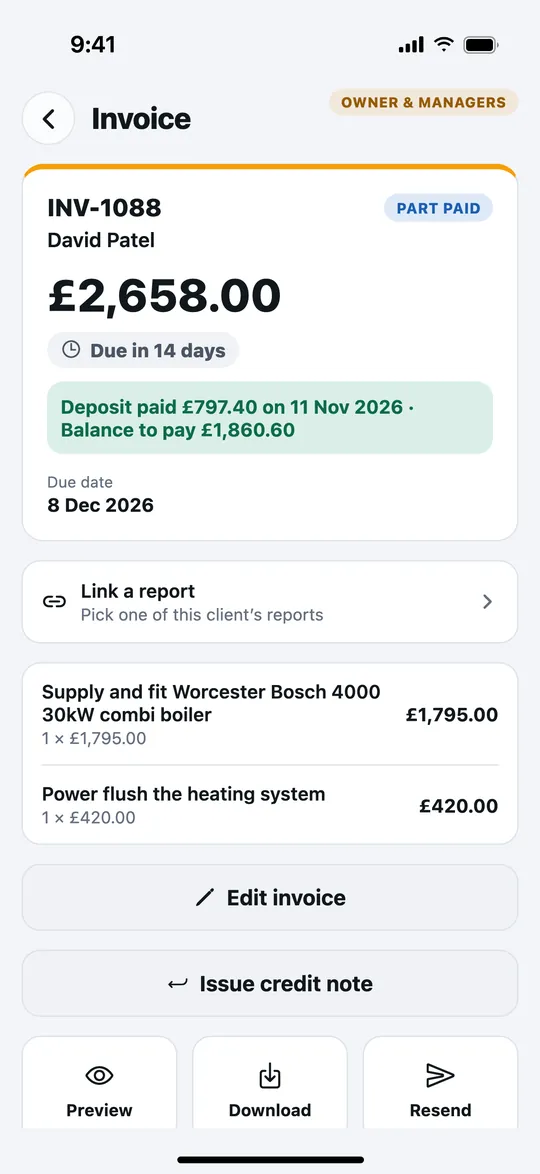
The invoice, paid
Made from the report, with each line and its price.
What does the invoice look like?
The first line is the work from the report. The parts follow, line by line. A part with no price waits for the owner, or anyone allowed to do invoices and quotes, to add one before sending.
| Invoice line | Qty | Price each |
|---|---|---|
| Boiler service (the work) | 1 | Your price |
| Pump, 3 speed | 1 | £142.00 |
| Inhibitor 1 L | 1 | £18.50 |
| Isolation valve 22 mm | 2 | Add before sending |
The engineer
Lists what was fitted or used. A price is optional, so nobody guesses.
The owner, or anyone allowed to invoice
Checks the lines, adds any missing prices and sends the invoice, with card payments if they are switched on.
More on invoicing in Maintivo, job sheets and card payments on invoices.
Line by line, checked before it goes
- Every line with its quantityEach part or job on its own line, with how many and the price.
- Edit before you sendEdit invoice to add a missing price or change a line.
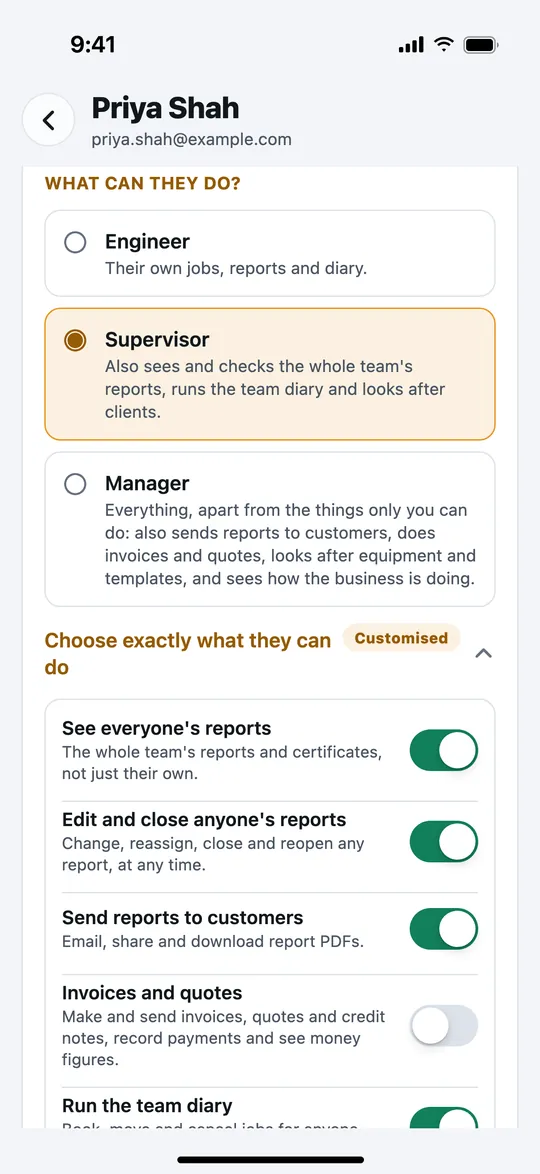
- Who can invoiceInvoices and quotes is a tick you give each person on your team.
Common questions
Yes. On the report, add each part or material you fitted or used: what it is, how many, and a price each if you know it. Up to 100 lines on a report.
No. The report PDF lists the parts and quantities only. The price goes on the invoice, never on the report.
Press Invoice this report. Every part comes across as an invoice line with its quantity and price, after the work, ready to check and send.
Leave it blank. The line still comes across to the invoice, and the owner, or anyone allowed to do invoices and quotes, adds the price before sending.
Yes, in every plan, from £34.99 a month.
Do your next report in Maintivo
Your first report is free to fill in, with no card and no training day. Run a real visit through it and see.
iPhone: No card. No account. First report free to fill in.In your browser: Free account, no card. First report free to fill in.